| 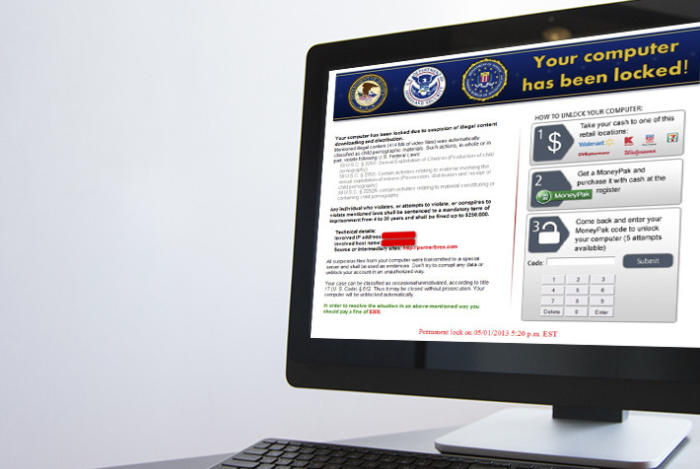 | How to rescue your PC from ransomware Jan 13, 2014 3:30 AM With the nasty CryptoLocker malware making the rounds--encrypting its victims' files, and then refusing to provide the unlock key unless a payment of $300 is made via Bitcoin or a prepaid cash voucher--ransomware is back in the spotlight.
You can remove many ransomware viruses without losing your files, but with some variants that isn't the case. In the past I've discussed general steps for removing malware and viruses, but you need to apply some specific tips and tricks for ransomware. The process varies and depends on the type of invader. Some procedures involve a simple virus scan, while others require offline scans and advanced recovery of your files. I categorize ransomware into three varieties: scareware, lock-screen viruses, and the really nasty stuff.
Note: Under the "Removing ransomware" heading in the article, clicking the linked "Bitdefender" text will take you to its PCWorld review, where there's a "Download Now" link. Clicking the linked "Avast," "AVG," "Avira," "Kaspersky," "Norton," or "Sophos" product name will take you to its website where you can get it.
»Keep reading the article | |







No comments:
Post a Comment
Note: Only a member of this blog may post a comment.